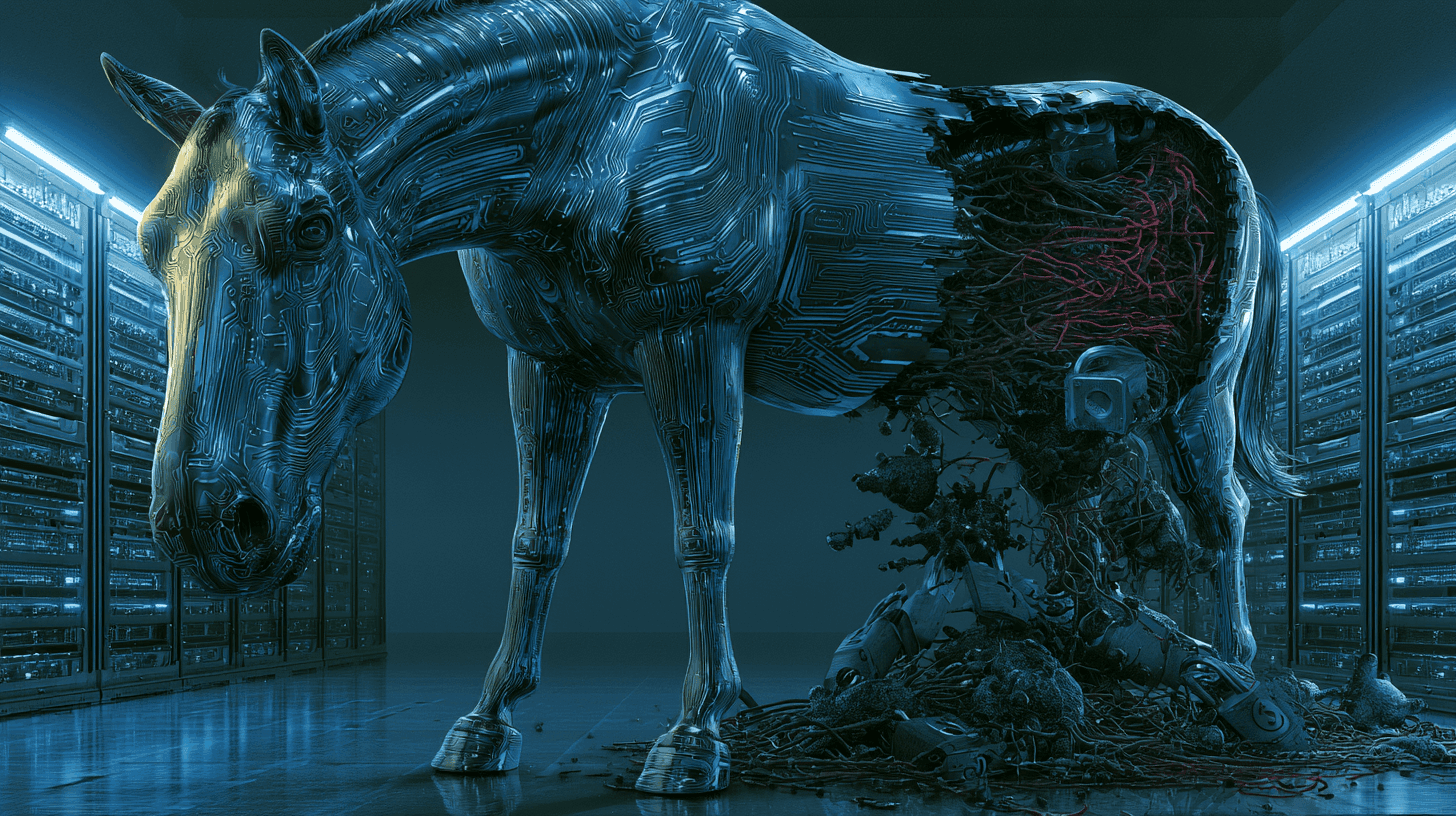
Not All Malware Is Created Equal
You've probably heard the word "malware" thrown around like it covers everything. And technically, it does — malware just means malicious software. But calling a Trojan the same thing as a worm is like calling a pickpocket the same thing as a burglar. Same category, very different approach.
The distinction matters. Because how something spreads determines how you stop it.
Here are the four types you're most likely to encounter.
Virus — It Needs You to Pull the Trigger
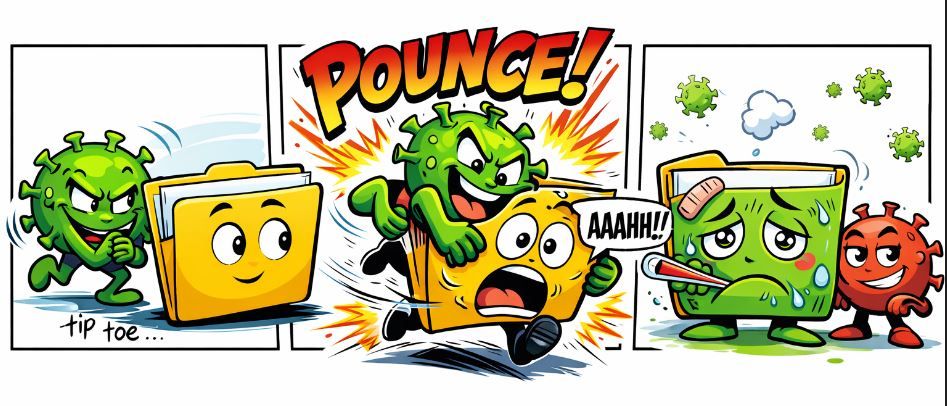
A virus attaches itself to a legitimate file or program. It sits there, dormant, until someone opens that file or runs that program. Then it activates, replicates, and starts causing damage — corrupting data, overwriting files, or quietly spreading to other files on the same machine.
The key word is requires. A virus needs human interaction to do anything. Open the wrong attachment, run the wrong installer, plug in the wrong USB drive — that's how it gets its window.
Think of it like a biological virus. It can't replicate on its own. It needs a host, and it needs that host to do something.
That dependency is also the virus's biggest weakness. Don't open it, and it stays dormant.
Worm — It Doesn't Need Anything From You
A worm is where things get more unsettling. It spreads on its own, automatically, by exploiting vulnerabilities in networks and operating systems. No clicks required. No files to open. It finds a weakness, crawls through it, replicates itself onto the next machine, and keeps going.
In May 2017, the world got a very expensive lesson in what worms can do. WannaCry hit 200,000 machines across 150 countries in a matter of hours — hospitals, manufacturers, telecoms, government agencies, all of them — by exploiting a Windows SMB vulnerability that had a patch available for two months. Most organizations just hadn't applied it. According to CISA, victims ranged from the UK's National Health Service to FedEx to Germany's Deutsche Bahn.
What made WannaCry particularly nasty: it was a hybrid. It spread like a worm but encrypted files like ransomware. Once it was inside a network, it didn't need any door left open by a human. It found its own.

Trojan — It Knocks and You Let It In
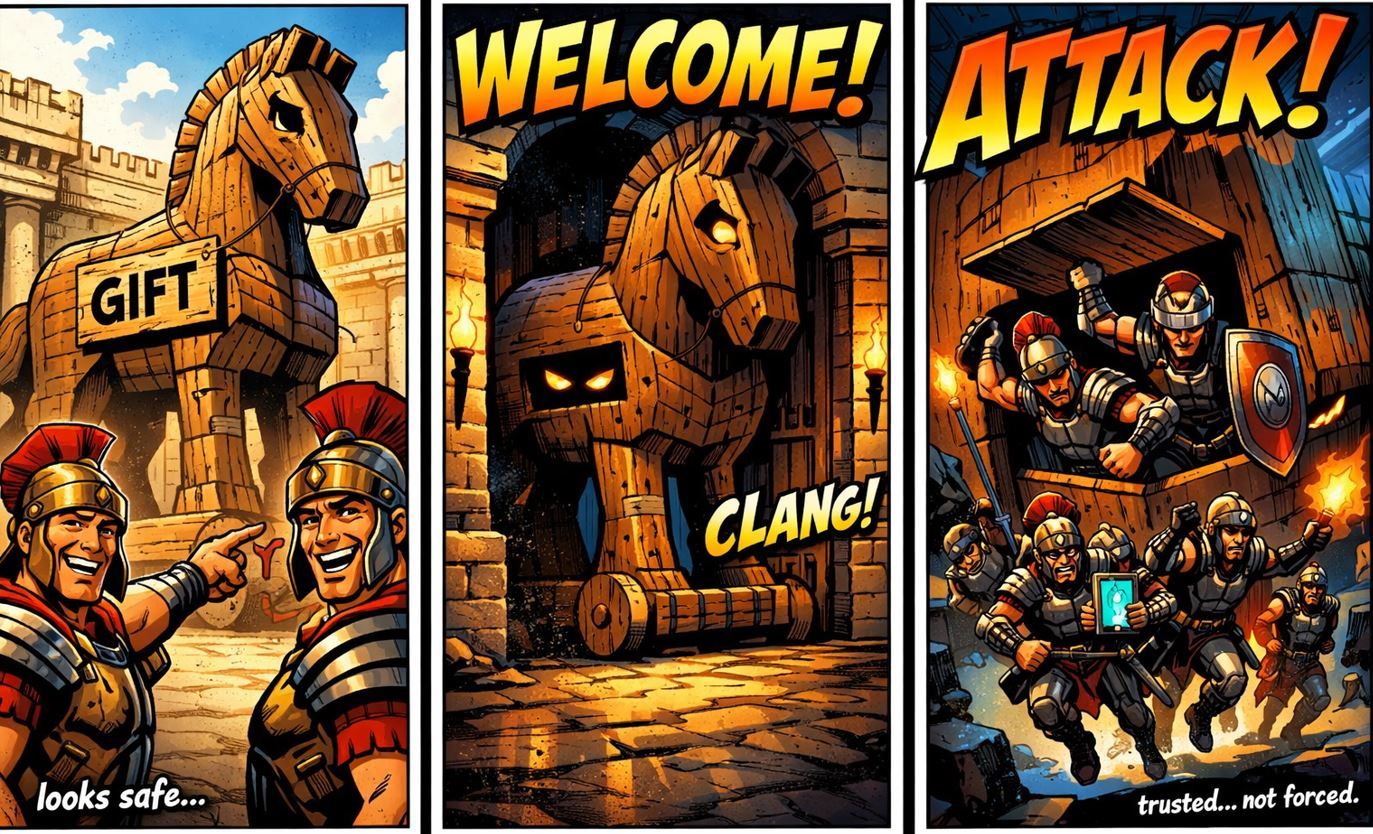
A Trojan doesn't spread on its own and doesn't need a vulnerability to exploit. It relies entirely on one thing: convincing you it's something it isn't.
Trojans disguise themselves as legitimate software — a PDF, a free app, a fake software updater, an email attachment that looks like an invoice. You install it, thinking you're doing something normal. In the background, it's doing something else entirely. Stealing credentials. Opening a backdoor. Dropping additional malware. Spying.
The name comes from the original wooden horse story, and the logic holds. The attacker doesn't need to break the wall. They need you to open the gate.
That's why Trojans are so common in phishing campaigns. Social engineering — manipulating people rather than hacking software — is often cheaper and more effective than finding a real exploit.
Ransomware — The One That Locks the Room
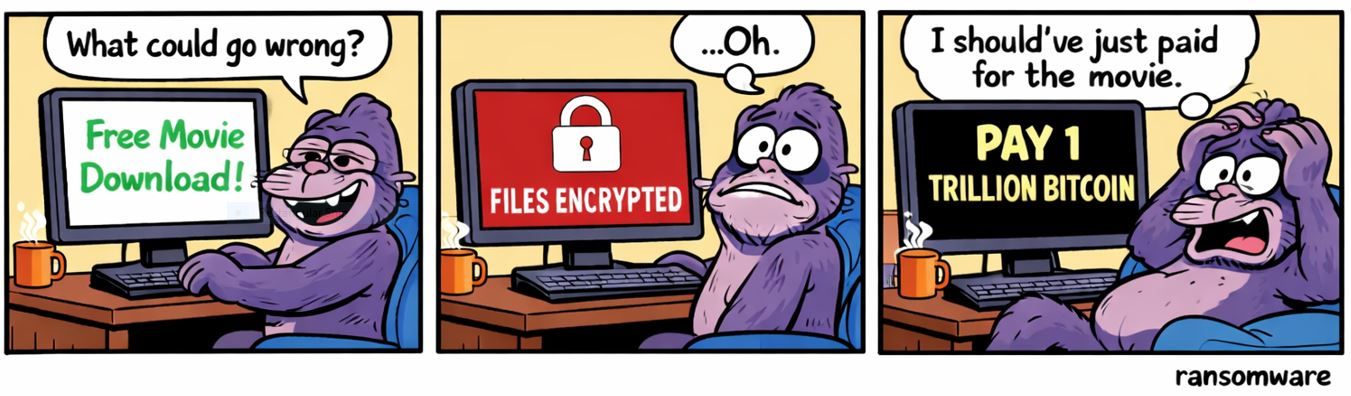
Ransomware is the most financially damaging of the four, and it shows no signs of slowing down. It gets in via phishing emails, compromised credentials, or exploited vulnerabilities — then it encrypts your files and demands payment, usually in cryptocurrency, for the decryption key.
The numbers from 2025 paint a grim picture. According to the Verizon 2025 Data Breach Investigations Report, ransomware was present in 44% of all confirmed breaches — up from 32% the year before. The Sophos State of Ransomware 2025 report puts the mean ransom payment at $1 million. And recovery costs consistently run 5 to 10 times higher than the ransom itself, once you factor in downtime, forensics, legal fees, and reputational damage.
Modern ransomware operations also frequently steal data before encrypting it. Pay or we publish. That double-extortion model has become standard.
And the speed has gotten worse. In recent reporting, the median time from initial intrusion to ransomware execution has dropped to approximately five days. In 2022, attackers were typically inside a network for over 70 days before pulling the trigger. The window to catch them before it's too late is shrinking.
Why the Distinction Actually Matters
Here's the practical takeaway.
If you understand that viruses require user action, you're more careful about what you open. If you understand that worms spread automatically through unpatched systems, keeping your software updated stops being a nagging IT reminder and starts being an obvious defensive move. If you know Trojans rely on deception, you get more skeptical of "free tools" and unexpected attachments. If you understand ransomware's economics, offline backups stop being optional.
Knowing the attack type tells you where the weak point is — and where to apply pressure.
The Basics That Actually Work
These aren't groundbreaking. But they're what the data consistently points to:
Patch everything internet-facing. WannaCry was stopped by a patch that had been available for two months. ProxyNotShell — the vulnerability used in a 2026 attack on an Azerbaijani energy firm — was three years old when it was exploited. Unpatched systems are open invitations.
Use MFA on every critical account. Compromised credentials were the second most common ransomware entry point in 2025, behind exploited vulnerabilities. A second factor stops a stolen password from becoming a breach.
Back up offline, not just to the cloud. Cloud-connected backups can be encrypted too. Offline or air-gapped backups are the real insurance policy.
Be skeptical by default. Trojans and phishing live on the assumption that you'll trust what you see. A message that creates urgency, asks for credentials, or prompts a download is worth a second look — even if it looks like it came from someone you know.
Security isn't one product. It's a set of habits that make each attack type harder to execute.
Key Terms
- Malware — Short for malicious software. Umbrella term for any program designed to cause harm, steal data, or gain unauthorized access.
- Virus — Malware that attaches to files and activates when a user opens or executes the infected file. Requires human interaction to spread.
- Worm — Self-replicating malware that spreads automatically across networks by exploiting software vulnerabilities. No user action needed.
- Trojan — Malware disguised as legitimate software. Relies on deception to get installed. Does not self-replicate.
- Ransomware — Malware that encrypts files or systems and demands payment for decryption. Often includes data theft as a secondary extortion lever.
- Ransomware-as-a-Service (RaaS) — A criminal business model where ransomware developers license their tools to affiliates for a cut of the ransom. Lowers the technical barrier for attacks.
- MFA (Multi-Factor Authentication) — A second layer of login verification beyond a password — a code sent to your phone, an app prompt, or a hardware key.
- Double Extortion — A ransomware tactic where attackers steal data before encrypting it, then threaten to publish it if the ransom isn't paid.
- EternalBlue — An NSA-developed exploit for a Windows SMB vulnerability, later stolen and used to power WannaCry's spreading mechanism.
- Phishing — A social engineering attack where an attacker impersonates a trusted entity via email, text, or message to trick users into revealing credentials or installing malware.